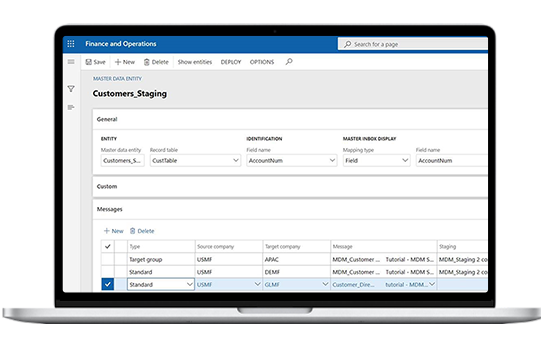
Configure and Monitor Unlimited Integrations
Rapidly configure, deploy, maintain, and monitor unlimited integrations with STAEDEAN’s no-code, enterprise-ready Data Integration Solution, built exclusively for Dynamics 365 F&SCM!
With our solution, D365 F&SCM users can:
- Fast track integrations in D365
- Assess D365 integration health
- Ease data movement
Explore our Data Integration Solution for Dynamics 365

Benefits of Data Integration Solution for Dynamics 365 F&SCM


Configuration-based integrations
Easily configure unlimited data integrations between D365 F&SCM and other ERP and business systems and applications, including (Dynamics CRM, PLM-Siemens, Azure Logic Apps, WMS, etc.)
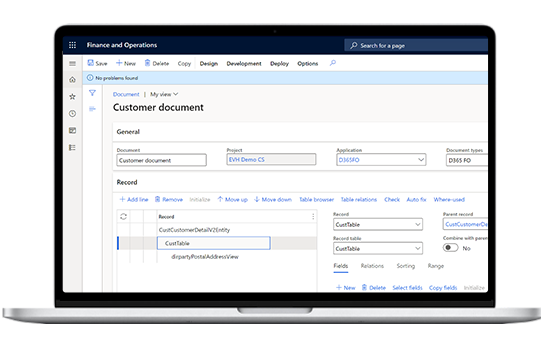
Data manipulation
Easily map data with D365 integrations using placeholders. You can also manage form mapping for advanced data manipulation to deal with the complexities of the F&SCM data model.
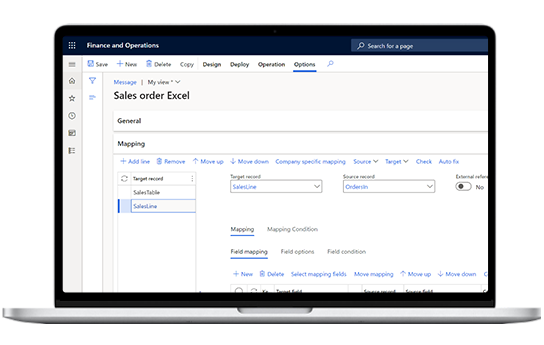
Intuitive integration monitoring
Manage integration performance, track and optimize slow-performing integrations, and get notified via adaptive cards on Teams or customized alerts on Power Automate when integrations fail.